Guides
How to Turn a Pet Photo Into a Painting (Step by Step)
You’ve got the perfect photo of your dog or cat. Here’s how to turn it into a painting in 2026 — the fast way, the artist way, and how to get a result that actually looks like them.
The short answer
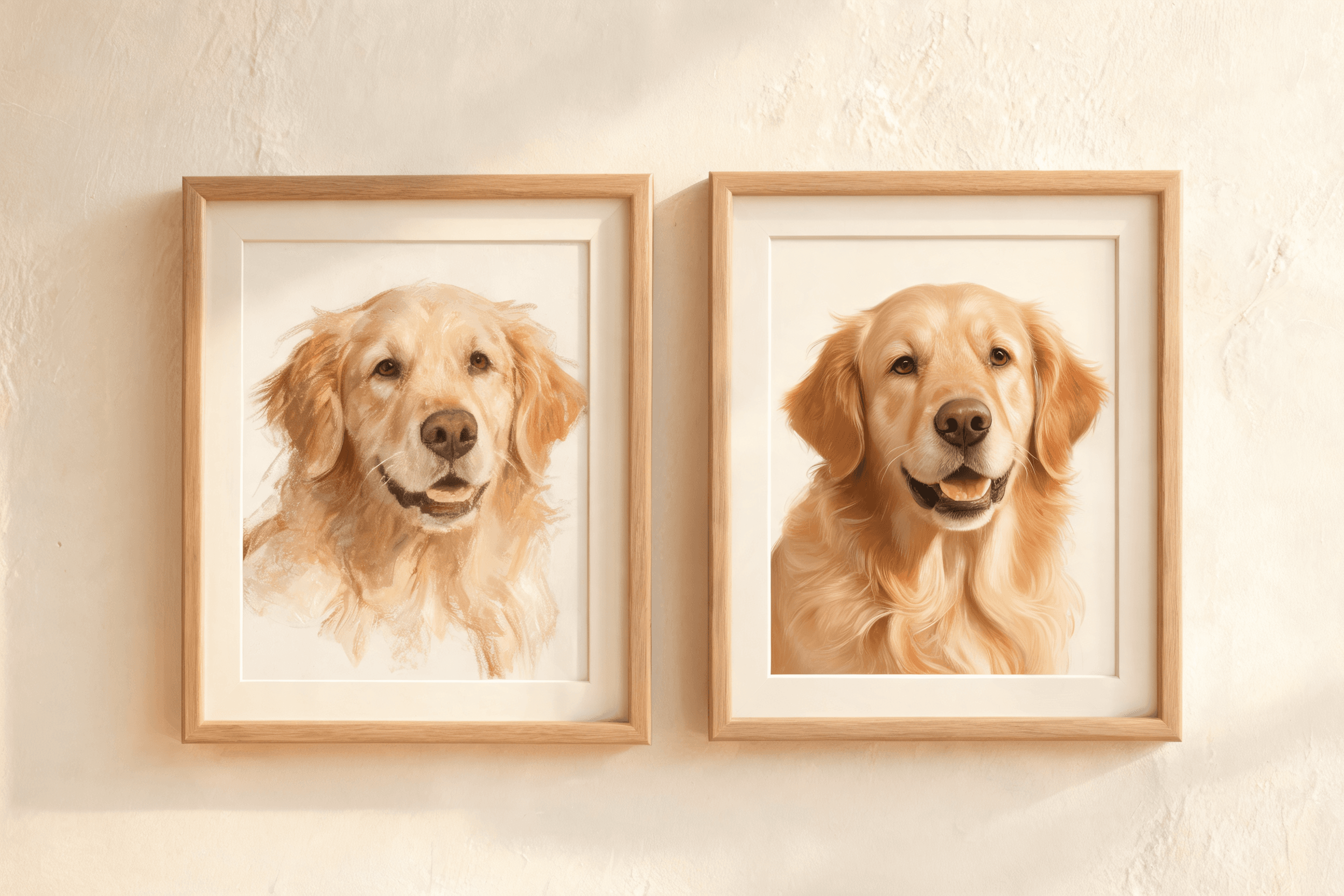
To turn a pet photo into a painting in 2026, the fastest route is an AI portrait tool that trains on a few of your photos and paints your pet in minutes from $14.99. For a hand-made original, commission an artist — slower and pricier, but a unique object. Either way, start with clear, well-lit photos.
Turning a photo into a painting used to mean an art class or a commission. Now you have three realistic options — here’s how each works and how to get a result you’ll actually want to hang.
Your three options
| Method | Speed | Cost | Likeness |
|---|---|---|---|
| AI portrait (trained on your pet) | ~15 min | $15–$40 gallery | Excellent |
| One-tap photo-to-painting app | Seconds | ~$5 | Variable |
| Hand-painted commission | 2–6 weeks | $150–$1,000+ | Depends on artist |
The fast way: an AI portrait, step by step
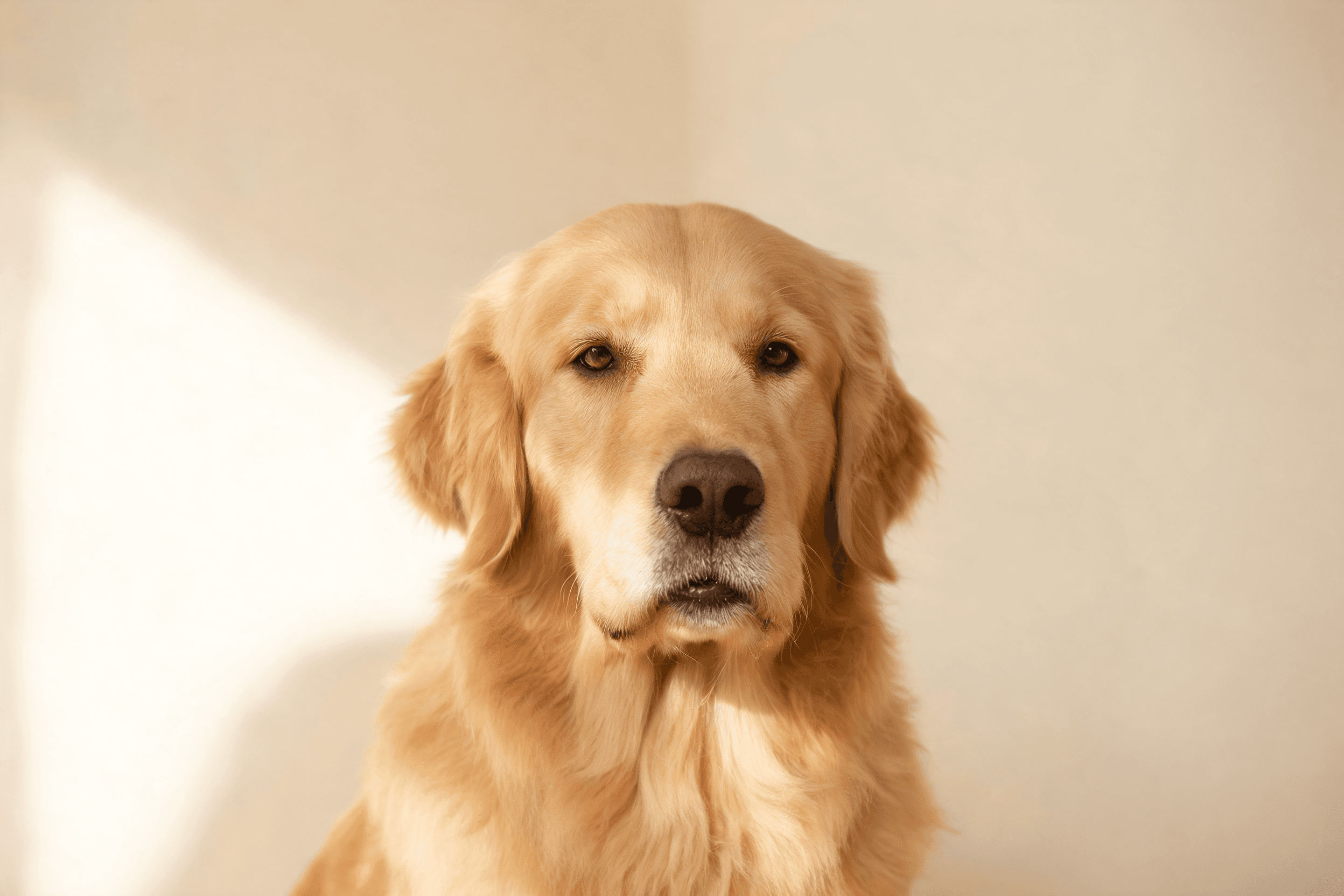
- 1.Pick your photos. Choose around five sharp, well-lit shots of one pet — see our photo guide.
- 2.Upload them. The tool fine-tunes on your pet to learn its real face and markings.
- 3.Choose a style. Fantasy, royal, watercolor and more — browse the styles.
- 4.Generate. The AI paints a gallery in about 15 minutes.
- 5.Refine and keep. Regenerate anything you don’t love, then download or order prints.
One-tap apps vs. trained tools
Free "photo to painting" filters transform a single image instantly, but likeness wobbles and a matched set is hard. Tools that train on several photos (like Puppy AI) keep your pet consistent across every style — the difference between "a painting" and "a painting of my dog".
The artist way
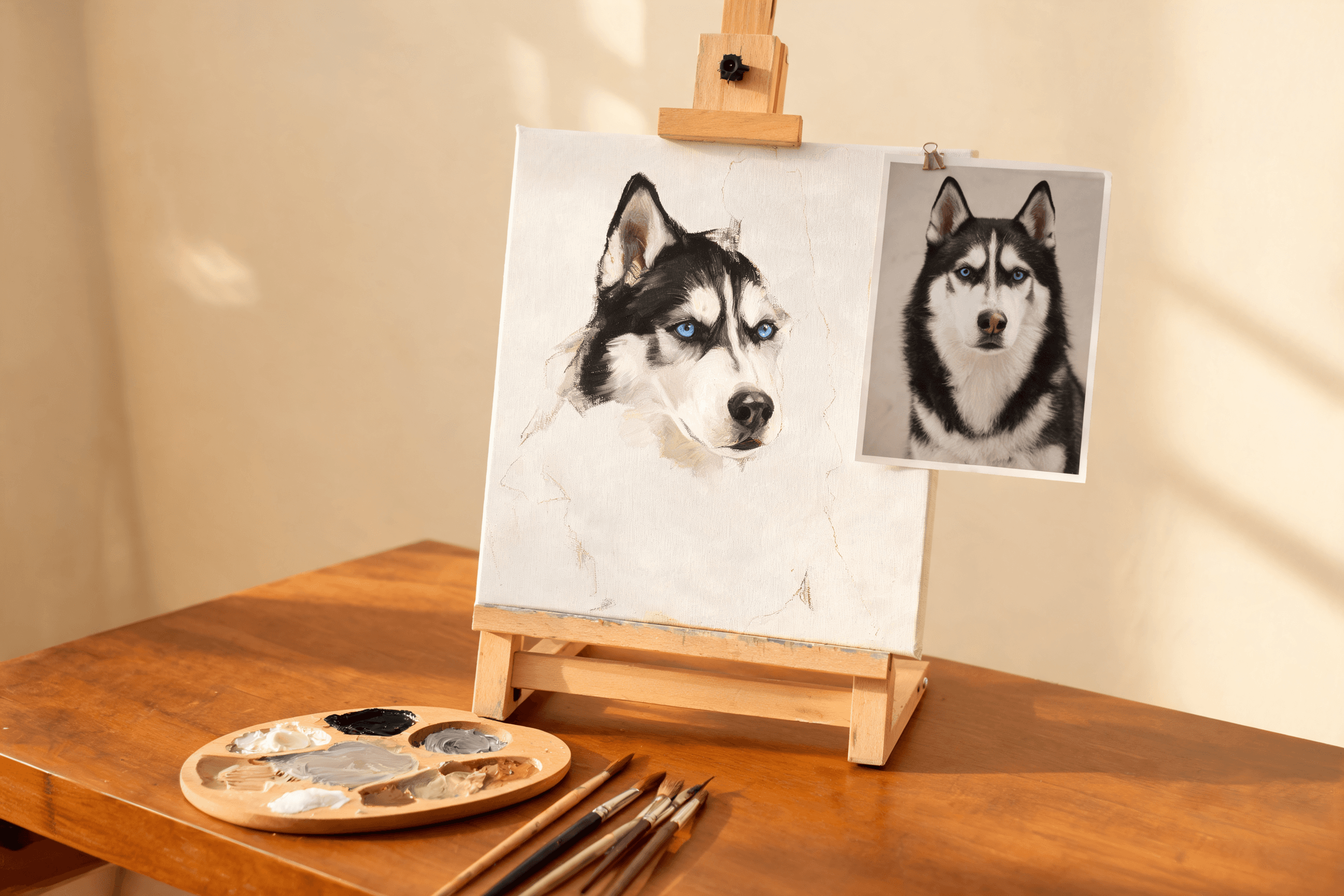
If you want a one-of-a-kind, hand-made original, send your favourite photo to an illustrator. Expect to pay $150+ and wait a few weeks. Our AI vs. hand-painted comparison covers when that’s worth it — and you can even use an AI portrait as the reference.
Get a better painting from any method
- Start with sharp, well-lit photos — the single biggest factor in the result.
- Show the whole face, from a few different angles.
- Skip heavy filters that erase real detail.
- Match the style to the pet — see styles explained.
Turn your photo into a painting now
Upload a few shots and get a painted gallery of your pet in about 15 minutes — from $14.99.
Create my portraits — from $14.99Love them, or regenerate any portrait — free.
Frequently asked
How do I turn a pet photo into a painting?
The fastest way is an AI portrait tool: upload a few clear photos, choose a style, and it paints your pet in minutes from $14.99. For a hand-made original, send your photo to an artist for a commission.
Is there a free way to turn a pet photo into a painting?
Some apps offer free one-tap photo-to-painting filters, but they work from a single image so likeness is inconsistent. For a faithful, multi-style result, a trained AI tool is more reliable and still inexpensive.
What photo works best for a pet painting?
A sharp, well-lit photo with the whole face visible. Providing several photos from different angles produces the best likeness, since the AI learns more about your pet.
Written by
Florian Chataignier — Founder, Puppy AI
Florian is the founder of Puppy AI. He has spent the last two years training and tuning the diffusion models behind tens of thousands of pet portraits, and writes about getting genuinely good art out of a phone camera roll.